
Local SEO is all about showing up when a potential patient in your area pulls out their phone to search for a doctor. It’s the difference between being the first practice they call or not being found at all. Think of it as the strategy that gets your practice listed at the top of Google, right when someone searches for "pediatrician near me" or "dermatologist in Fort Myers."
Why Local Search Is Your Practice's Lifeline
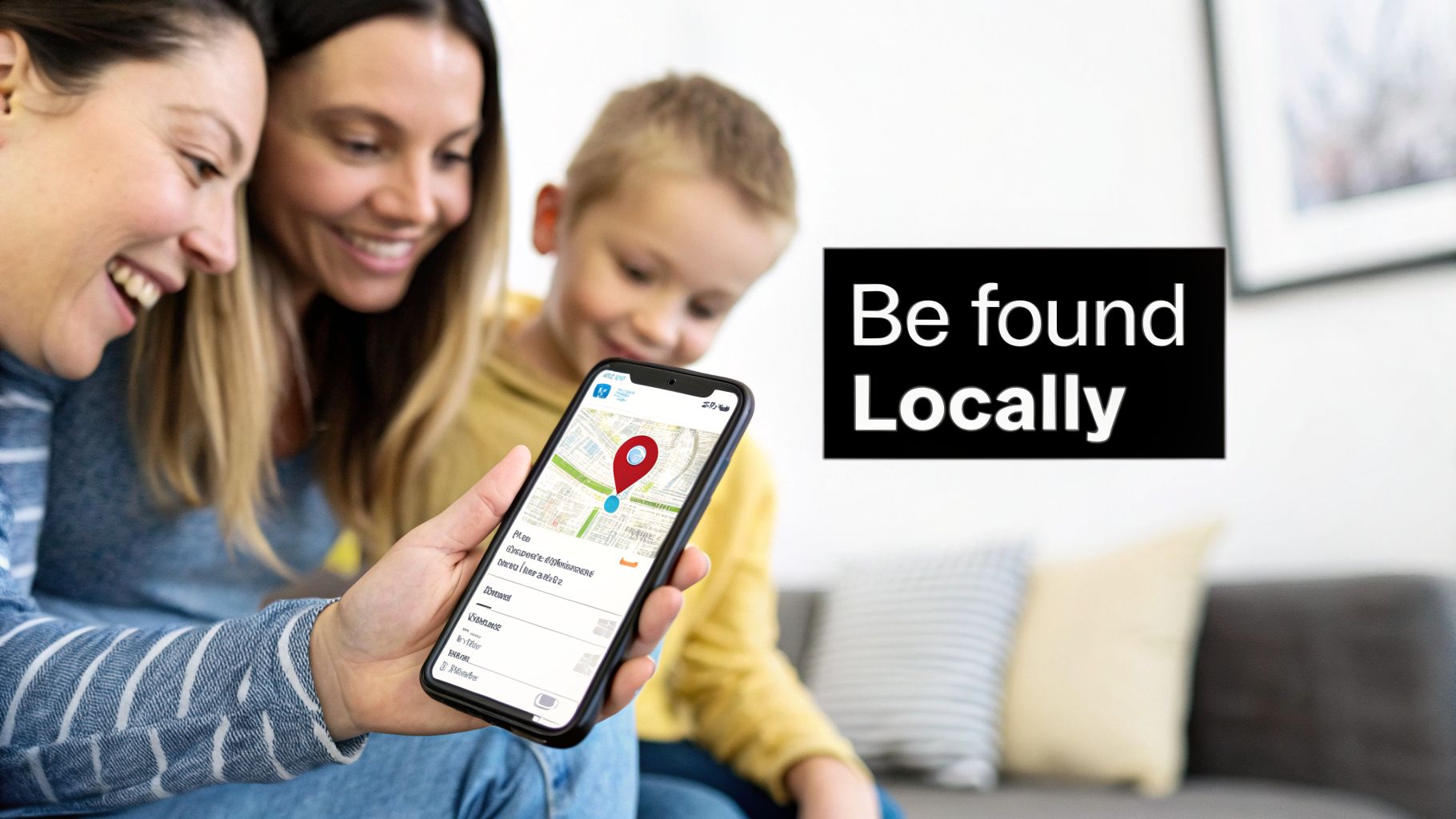
Picture this: a family just moved to Fort Myers. Their child wakes up with a fever, and their first move is to search "pediatrician in Fort Myers." The practices that pop up in the top three map results—the Google Map Pack—are the ones getting the first call. That's local SEO in action, and for any medical practice in a competitive Southwest Florida market, it’s no longer optional.
This isn't about being found by just anyone, anywhere. It’s about being highly visible to the right patients in your specific service area, whether that's Cape Coral, Bonita Springs, or Naples. Mastering your local online presence directly impacts how to get more patients for your practice.
The Power of the Google Map Pack
Today, most patient journeys start with a local search, and the numbers don't lie. Your Google Business Profile (GBP) now accounts for a massive 25% of local search ranking factors for medical practices. Why does that matter? Because practices that land in the Google Map Pack see up to a 50% increase in patient calls.
The impact is real. One clinic reported a 75% surge in phone calls and a 150% jump in website clicks just by focusing on their GBP. With 39% of all healthcare conversions happening over the phone, your local presence is a direct line to new revenue. Your GBP isn't just a listing; it's your digital front door, driving appointments before a patient even sees your website.
Your Google Business Profile is the single most powerful tool you have for local patient acquisition. It’s your digital billboard, receptionist, and first impression all rolled into one.
To get these results, you need a solid strategy. Here’s a quick overview of the core components that drive a successful local SEO campaign for any healthcare practice.
Core Components Of Local SEO For Healthcare
| SEO Component | Primary Goal | Example Action |
|---|---|---|
| Google Business Profile | Dominate the Map Pack & drive immediate calls/clicks. | Fully complete all sections, add 10+ high-quality photos of your office and staff, and consistently use Google Posts to announce things like "We're now offering flu shots!" |
| Location & Service Pages | Establish topical authority and rank for specific searches. | Create a dedicated page for "Dermatology Services in Naples, FL" that details your approach to skin cancer screenings and includes bios of your Naples-based dermatologists. |
| Reviews & Reputation | Build trust and social proof to influence patient choice. | Implement an automated text message system that sends a Google review link to patients one hour after their appointment. |
| Citations & Listings | Ensure consistent business information across the web. | Log in to Healthgrades and Vitals to ensure your practice's address, phone number, and listed doctors are identical to what's on your Google Business Profile. |
| Local Content Strategy | Become the go-to expert for health topics in your community. | Write a blog post titled "5 Ways to Manage Summer Allergies in Southwest Florida" that discusses local pollen types and ideal times for outdoor activities. |
These elements work together to build a powerful online presence that attracts the right patients and grows your practice. Mastering them is the key to winning in local search.
Mastering Your Google Business Profile For Patient Trust
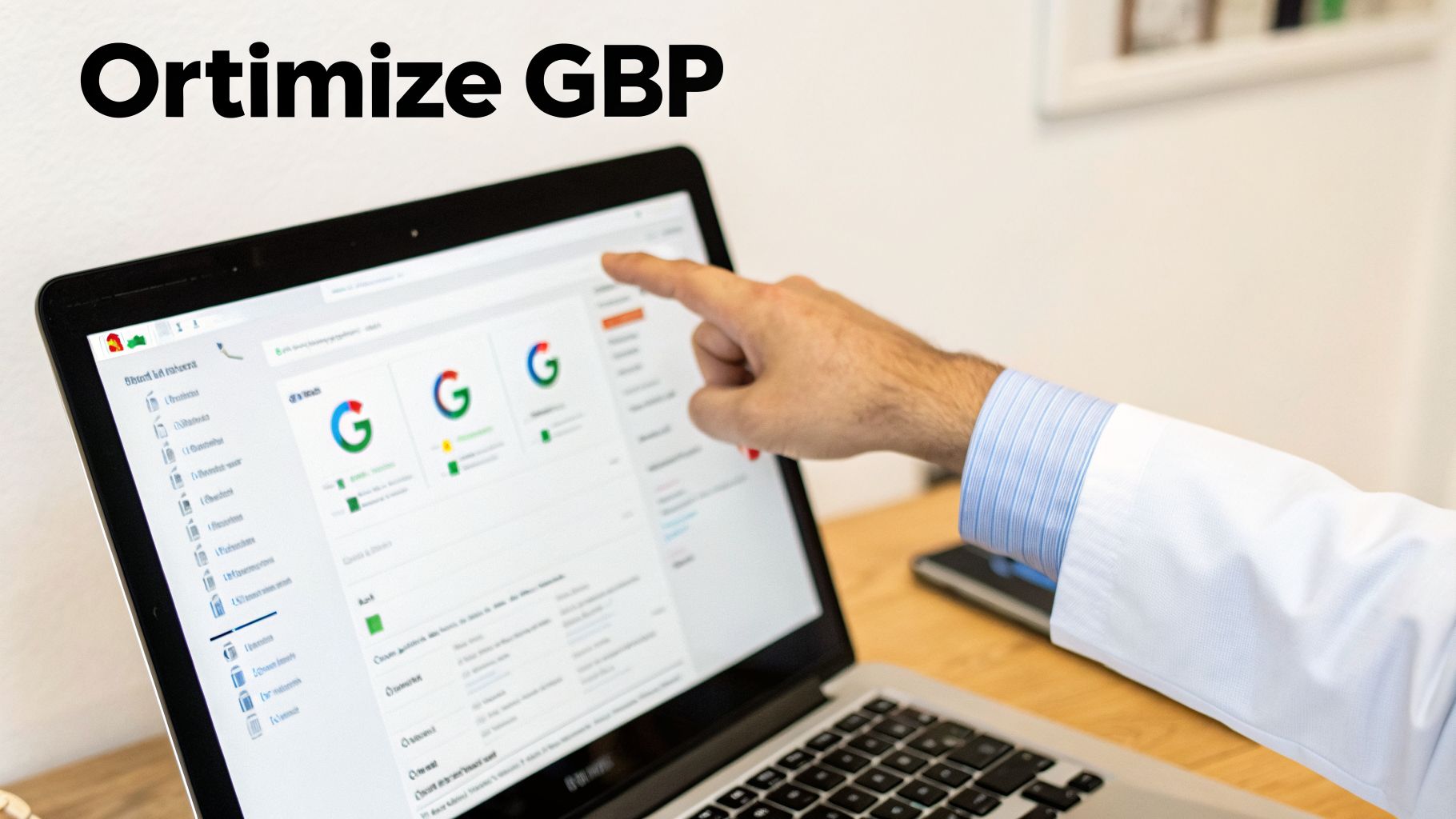
Think of your Google Business Profile (GBP) as the digital front door to your practice. For many prospective patients, it’s the very first time they’ll interact with your brand. A professional, fully built-out profile can be the one thing that convinces them to call your office instead of clicking on a competitor down the street.
But just having a profile isn't enough, especially in a competitive area like Southwest Florida. The real magic is in the details. Going beyond a basic setup and getting granular with every section is what separates the practices that thrive from those that just exist online. This is where you build immediate trust.
Choose Your Categories With Surgical Precision
Your choice of categories is one of the most powerful signals you can send to Google. This single setting tells the search engine exactly what you do and which patient searches are most relevant to your practice. A common mistake we see is practices choosing a generic category like "Doctor" when a much better, more specific option is available.
You have to think like a patient. If you’re a pediatrician, your primary category must be "Pediatrician," not "Doctor." If you're a family practice, you should be listed as "Family Medicine Practice." This kind of precision is what helps Google match you with people actively looking for your specific services.
And don't stop with just one. Secondary categories are your chance to show up for all the other related services you offer.
Actionable Example 1: A dermatology practice in Bonita Springs should set its profile like this:
- Primary Category: "Dermatologist"
- Secondary Categories: "Medical Spa," "Skin Care Clinic," "Mohs Surgeon"
Actionable Example 2: An orthopedic group in Cape Coral might use:
- Primary Category: "Orthopedic Surgeon"
- Secondary Categories: "Sports Medicine Clinic," "Physical Therapy Clinic," "Pain Management Physician"
Layering your categories this way ensures you cover the full spectrum of patient searches, from broad needs to highly specific treatments.
Your primary GBP category is your core identity in Google's eyes. Your secondary categories are the supporting pillars that broaden your reach for every service you offer. Make each one count.
Crafting a Patient-Focused Business Description
You get 750 characters for your business description—make them work for you. This is your elevator pitch. It’s a chance to connect with people, explain what makes your practice different, and weave in important keywords without sounding robotic. Stay away from clinical jargon and write for the patient.
Let's look at the difference it makes:
- Weak Description: "Our medical practice offers a range of services. We have been in business for 10 years and have board-certified doctors on staff. Call us to schedule."
- Strong, Actionable Description: "Welcome to Naples Family Wellness, where we provide compassionate, patient-centered primary care for your entire family. From pediatrics to geriatrics, our team is dedicated to your long-term health in a warm, welcoming environment. We are currently accepting new patients and offer convenient same-day appointments for urgent needs. Your health journey in the heart of Naples starts here."
The second example feels human. It speaks directly to the patient's needs, highlights specific services (pediatrics, geriatrics), promotes a key benefit (same-day appointments), and naturally works in a location keyword ("Naples").
Detail Your Services And Use Google Posts
The "Services" section on a GBP is one of the most underused features we see. Don't just list "Annual Physical." Take the time to write a short, helpful description for each service. This adds incredible value for potential patients and gives Google more context about your expertise.
For example, under a service called "Telehealth Consultations," you could write an actionable description: "Convenient follow-up appointments and prescription refills from the comfort of your home. Easily book a secure video call with your trusted provider directly through our patient portal."
Once your services are detailed, start promoting them with Google Posts. These are like mini-updates that appear right on your profile, and they are perfect for keeping patients informed. Use them to:
- Actionable Example 1 (Event): Post an image and text announcing, "Join us for our annual Flu Shot Clinic this Saturday, Oct 15th! Walk-ins welcome from 9 AM to 1 PM at our Fort Myers office."
- Actionable Example 2 (Meet the Provider): Share a photo of a new doctor with the text, "We're thrilled to welcome Dr. Emily Carter, our new pediatrician, to the team! Dr. Carter is now accepting new patients."
- Actionable Example 3 (Content Promotion): Link to your latest blog post with a post saying, "Worried about seasonal allergies in SWFL? Read our new guide on how to manage symptoms."
Active Google Posts signal to both Google and patients that your practice is engaged and current. If you're ready to tackle every element of your profile, you can learn more with a complete Google My Business optimization checklist. Remember, proactively answering questions in the Q&A section and consistently responding to reviews are also fundamental to building a profile that wins new patients.
Building Your Digital Welcome Mat With Location Pages
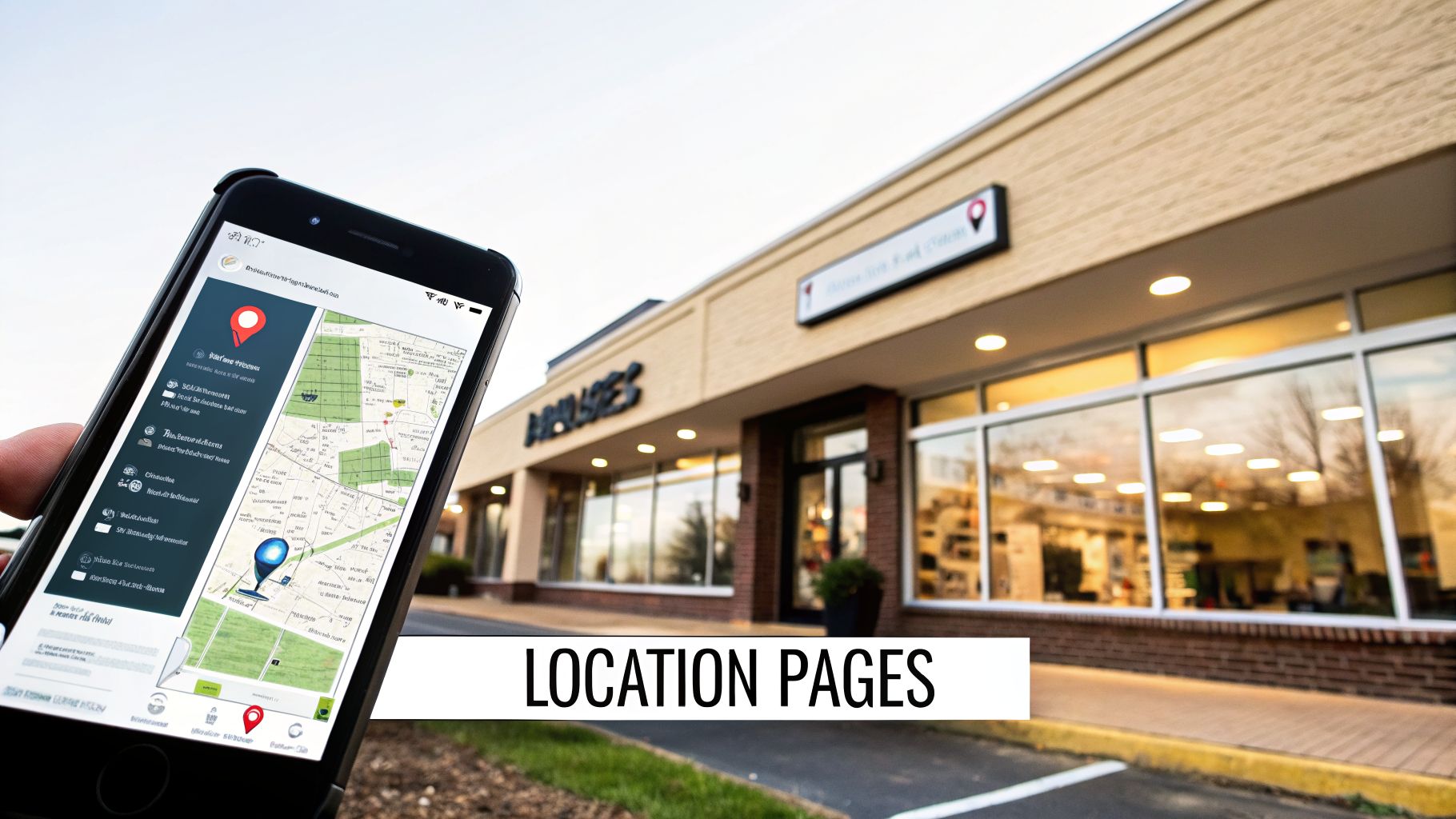
While your Google Business Profile is that first digital handshake, your website's location and service pages are the warm welcome into your practice. This is where a potential patient goes from simply finding you to deciding if you’re the right choice for their care. These pages need to be more than a digital brochure; they have to function as hyper-local, high-value resources that turn searchers into scheduled appointments.
One of the most common—and critical—mistakes I see with multi-office practices is creating duplicated or "thin" content for each location. A patient looking for care in Fort Myers has completely different local reference points and priorities than someone in Estero. Your website has to reflect that reality by building out unique, standalone pages for each physical office.
Crafting Unique Location Pages
Let's say your practice has offices in both Fort Myers and Estero. Instead of a single, generic "Contact Us" page that lists both addresses, you absolutely need two distinct, fully optimized location pages. Each page should feel like it was built from the ground up for that specific community.
This is your chance to prove you're a true local provider, not some faceless corporation. Think of it as creating a separate digital storefront for each one of your offices.
Here's an actionable example of how to make each location page stand out:
- Unique Title & Header: For the Fort Myers page, use an H1 like "Orthopedic Specialists in Fort Myers, FL." For the Estero page, use "Your Estero Orthopedic Care Team at Estero Community Park."
- Location-Specific Photos: The Fort Myers page should show pictures of your building on Daniels Parkway, your waiting room, and the staff who work there. The Estero page should feature photos of your office near Miromar Outlets.
- Embedded Google Map: Put a Google Map directly on each page that points to that specific office. It’s great for user experience and sends powerful local signals to Google.
- Localized Testimonials: Feature a review on the Fort Myers page from a patient who says, "The team in Fort Myers was fantastic!" and another on the Estero page from a patient mentioning the "convenient Estero location."
- Provider Bios: If Dr. Smith works primarily out of the Fort Myers office, feature her bio prominently on that page. If Dr. Jones is in Estero, highlight him on the Estero page.
These small details are what transform a simple address listing into a compelling and trustworthy welcome. The goal is for a patient to land on the page and immediately think, "This is the office right down the road from me." For practices just starting out or revamping their site, understanding the fundamentals of web design in Fort Myers, FL is a great first step toward building these essential pages correctly.
Turning Service Pages Into Patient Resources
Your service pages are where you prove your expertise—a core component of Google's Experience, Expertise, Authoritativeness, and Trustworthiness (E-E-A-T) guidelines. A simple list of the services you offer just won't cut it. You have to build out each core service into its own comprehensive resource that answers a patient's questions before they even think to ask them.
Take a page for "Knee Replacement Surgery" as an example. A weak page might just have a sentence saying you offer the procedure. A powerful, high-ranking page, on the other hand, will function as a complete educational hub.
Your service pages should be so helpful that a patient feels more informed and confident after reading them. This builds trust and positions your practice as the leading authority.
An actionable example of a strong "Knee Replacement Surgery" page should include:
- A Clear Explanation: Describe what the procedure is and who makes an ideal candidate, using simple analogies like, "Think of it as resurfacing a worn-out road, creating a smooth new surface for your joint."
- Surgeon Spotlights: Feature bios and professional headshots of the specific surgeons who perform knee replacements, along with a stat like "Dr. Allen has successfully performed over 500 knee replacements."
- The Patient Journey: Detail what a patient can expect: "Week 1-2: You'll focus on gentle motion at home. Weeks 3-6: You'll begin outpatient physical therapy to rebuild strength."
- Answering Common Questions (FAQ Section): Address concerns like, "How long will I be in the hospital?" and "When can I get back to playing golf at my local Naples club?"
- A Clear Call-to-Action: Every single page must guide the patient to the next step with clear buttons like "Schedule a Consultation with a Knee Specialist" or "Call to Learn More."
Implementing Schema for Medical SEO
Finally, you need to speak Google's language using schema markup. This is a bit of code you add to your website's backend that helps search engines understand the context of your content. For local SEO for medical practices, this isn't just a good idea—it's non-negotiable.
Here are the key schema types to get implemented right away, with actionable examples:
- Physician Schema: On Dr. Jane Doe's bio page, the schema should specify
medicalSpecialty: "Dermatology",knowsAbout: "Skin Cancer", and include heralumniOf(medical school). - MedicalClinic Schema: On your Fort Myers location page, the schema should define the
medicalSpecialty: "Orthopedics"and list theavailableServiceas "Knee Replacement Surgery." - MedicalProcedure Schema: On your "Knee Replacement Surgery" service page, the schema can detail the
procedureTypeas "SurgicalProcedure" and describe itspurposeas "to relieve pain and restore function."
Implementing schema is like telling Google, "Hey, this isn't just any business. This is a qualified medical clinic with expert physicians who perform these specific procedures." It's a technical step, but it's an incredibly powerful signal that reinforces your authority and helps you stand out in crowded healthcare searches.
Earning Patient Reviews And Managing Your Reputation
In medicine, trust is everything. These days, online reviews are the new word-of-mouth referral, and they're one of the first things a potential patient looks at when choosing a new doctor. For any medical practice, actively gathering feedback and managing your reputation online isn’t just good marketing—it’s a non-negotiable part of local SEO.
When you have a steady stream of positive reviews, it sends a powerful signal to Google that your practice is a trusted, authoritative presence in the community. The more high-quality reviews you collect, the better your chances of landing in the Google Map Pack for those critical "doctor near me" searches.
How To Ethically Ask For Patient Reviews
The best way to get more reviews is simple: you have to ask. But there’s a right way and a wrong way to do it. The process needs to be completely seamless for the patient and, just as importantly, fully compliant with HIPAA. You can't offer incentives, and you must protect patient privacy above all else.
Your success here really starts with a genuine commitment to patient-centered care. When patients feel heard and valued, asking for their feedback feels like a natural and welcome next step.
One of the most effective, HIPAA-compliant strategies we've seen is using automated, post-appointment messages.
- Actionable Example: About an hour after a patient's visit wraps up, an automated system (like a patient communication platform) can send a simple text: "Thank you for visiting us at Coastal Cardiology today. We would love to hear about your experience. You can leave our team a review here:" followed by a direct link to your Google review page.
This approach works so well because it's timely and incredibly convenient for the patient. It doesn't pressure them or single out any particular type of experience—it just opens the door for anyone to share their thoughts. We dive deeper into setting up these systems in our guide on how to get more online reviews for your business.
The Art of Responding To Every Review
Responding to reviews is non-negotiable. It proves you're listening, you value what patients have to say, and you're dedicated to providing excellent care. This goes for the glowing five-star raves and the tough one-star critiques.
Responding to a Positive Review:
Always thank the patient for their feedback. A personal touch goes a long way, but keep your response general enough to protect their privacy.
- Actionable Template: "Thank you so much for your kind words! We are so glad you had a positive experience with our team. We truly appreciate you taking the time to share your feedback with the community."
Responding to a Negative Review:
This is where many practices stumble. The key is to acknowledge the comment professionally and immediately take the conversation offline to a private, secure channel. You must never publicly confirm that the person is a patient or get into the specifics of their complaint.
- Actionable Template: "Thank you for your feedback. We take all comments seriously and are committed to providing the best possible patient experience. Please contact our Office Manager, Sarah, directly at (239) 555-1234 so we can listen to your concerns and address them privately. Thank you."
This response is perfect. It's professional, HIPAA-compliant, and shows you're taking action without breaching anyone's privacy. It signals accountability to the public while protecting all parties involved.
Building Trust Through Consistent Citations
Beyond Google reviews, your reputation is also built on your digital footprint across the web. Citations are simply mentions of your practice's Name, Address, and Phone number (NAP) on other websites. For medical practices, consistency across key medical directories is critical.
Ensuring your NAP is 100% identical across every platform is a major trust signal for Google. Even tiny differences can create confusion and drag down your local rankings.
- Actionable Example of Inconsistency:
- On Google: "123 Main Street, Ste. 200"
- On Healthgrades: "123 Main St, Suite 200"
This mismatch needs to be corrected so both listings are identical.
Make sure your practice information is perfectly accurate and consistent on directories like:
- Healthgrades
- Vitals
- WebMD
- Zocdoc
- Local Chamber of Commerce sites (e.g., The Greater Naples Chamber of Commerce)
Regularly auditing and cleaning up these listings is a fundamental task in reputation management. It solidifies your practice's identity online, making it easier for both patients and search engines to trust your information. This consistency, paired with a great review profile, creates a powerful foundation for your local SEO success.
Creating Hyper-Local Content That Attracts Patients
If you really want to stand out in local search, your practice has to move beyond the generic health articles that any clinic, anywhere, could publish. We're talking about hyper-local content—the kind that positions you as the go-to health authority for your specific community. This is a cornerstone of effective local SEO for medical practices because it builds immediate trust and sends powerful local signals to Google.
Stop thinking about another blog post on the "benefits of hydration." Instead, think about what patients in Southwest Florida are actually dealing with. They’re facing intense sun, punishing humidity, and unique seasonal health challenges. Your content needs to reflect that reality, offering real advice that connects with their daily lives.
From Generic Topics To Local Authority
The goal here is to create content so specific to your area that it becomes the default resource for local residents. This proves to both potential patients and the search engines that you don’t just have an office here—you truly understand the community you serve.
Let's look at how to put this into practice:
Generic Idea: "Sun Safety Tips"
Actionable Hyper-Local Angle: "A Dermatologist's Guide to Sun Safety on Naples Beaches" – In this post, you could discuss the best times of day to avoid peak UV rays at Lowdermilk Park, recommend specific SPF ratings for the intense Florida sun, and even mention local shops in the Third Street South area that carry quality sun-protective clothing.
Generic Idea: "How to Manage Allergies"
Actionable Hyper-Local Angle: "Navigating Spring Allergies in Fort Myers: A Guide for Residents" – Get specific. Discuss the dominant oak and pine pollen types in Lee County, point to the local pollen count tracker on WINK News, and offer lifestyle tips unique to our area, like the best times for a walk on the Six Mile Cypress Slough Preserve to minimize exposure.
This approach transforms your blog from just another marketing channel into a genuine community service. It shows you're not just located in Southwest Florida; you're an active, invested part of it.
By creating content that directly answers a local resident's health questions, you’re not just optimizing for keywords—you're building a relationship before the patient even walks through your door.
Earning Trust With Authentic Local Links
Creating great hyper-local content is only one side of the coin. The other is building local backlinks, which are simply links pointing to your website from other reputable, local organizations. These links are one of the most powerful signals of trust you can send to Google. They work like digital word-of-mouth, telling search engines that your practice is a respected and integral part of the local community.
You can forget about complicated, large-scale link-building campaigns. The focus should be on creating real connections right here in Southwest Florida.
Actionable Strategies For Local Link Building
The best local links almost always come from real-world relationships and community involvement. It’s about showing your commitment to the area in a way that naturally earns you digital recognition. Think about where your practice can provide real value to other local groups.
Here are three practical ways to start earning these valuable local links:
Sponsor a Local Youth Sports Team: Many local leagues, from Cape Coral Little League to a travel soccer club in Estero, have websites where they proudly list their sponsors. Actionable Step: Contact the league organizer, offer a sponsorship for the season (e.g., $500 to have your practice's name on team jerseys), and ask for your logo and a link to your website to be placed on their "Our Sponsors" page. This creates a highly relevant local backlink.
Partner with a Local Business for an Event: Team up with a respected local gym in Bonita Springs for a "Wellness Wednesday" seminar. Actionable Step: Offer to give a free 20-minute talk on "Preventing Common Pickleball Injuries." The gym promotes the event on its website and social media, linking back to your practice's site as the expert partner. You get a great link and face-time with potential patients.
Become a Source for Local News: Local news outlets constantly look for medical experts to weigh in on timely health stories. Actionable Step: Identify a health reporter at the Naples Daily News or a local TV station like NBC2. Send them a brief introductory email offering to be a resource for stories on topics you specialize in, like cardiology or pediatrics. When they're writing a story on flu season or heat safety, they may quote you and link to your website—giving you an incredibly authoritative backlink.
These strategies do more than just nudge your search rankings upward. They weave your practice into the fabric of the community, building the kind of brand recognition and patient trust that digital ads alone can never replicate.
Your 90-Day Local SEO Implementation Plan
Putting an SEO strategy on paper is one thing. Actually making it happen when you're running a busy medical practice is another beast entirely. To make it manageable, we’ve broken down the process of improving your local SEO for medical practices into a straightforward 90-day roadmap.
This isn't about boiling the ocean. It's a focused plan designed to build momentum and deliver real progress in a single quarter. By tackling the highest-impact tasks first, you can see tangible results—like more patient calls and better visibility in Southwest Florida—in as little as 60 to 90 days.
Month 1: Foundational Setup
For the first 30 days, we’re focused on getting the fundamentals right. These are the core elements Google looks at to understand who you are, where you are, and what you do. Think of it as laying a solid concrete slab before you start framing the walls.
Your actionable checklist for this month:
- Full GBP Audit: Go through your Google Business Profile with a fine-tooth comb. Actionable Task: Set your primary category to "Pediatrician" (not "Doctor"), upload at least 10 high-resolution photos of your office interior/exterior, and write detailed descriptions for your top 5 services.
- Website Technical Check: Run a quick health check on your website. Actionable Task: Use Google's PageSpeed Insights tool to test your homepage's load time. If it's over 3 seconds, talk to your web developer about image optimization.
- Citation Cleanup: Audit your practice’s Name, Address, and Phone Number (NAP) across the big medical directories. Actionable Task: Search for your practice on Healthgrades, Vitals, and WebMD. Create a spreadsheet to track any inconsistencies in your address (e.g., "St." vs. "Street") and correct them.
Month 2: Content and Reputation Building
With a clean foundation in place, the second month is all about building trust and showing off your expertise. This is where you start actively engaging with patients and creating content that proves you’re the go-to authority in the local community.
Your actionable checklist for this month:
- Launch Your Review Campaign: It's time to roll out that review request system. Actionable Task: Configure your patient communication software to automatically send a text with a direct Google review link one hour after each patient's appointment is completed.
- Publish Hyper-Local Content: Write and publish your first two locally-focused blog posts. Actionable Task: Write one post on "A Dermatologist's Guide to Sun Safety on Naples Beaches" and a second on "How to Manage Spring Allergies in Fort Myers." Promote them on your Facebook page.
This simple timeline shows how your content efforts should flow, from brainstorming ideas to creating the content and then using it to build authority.
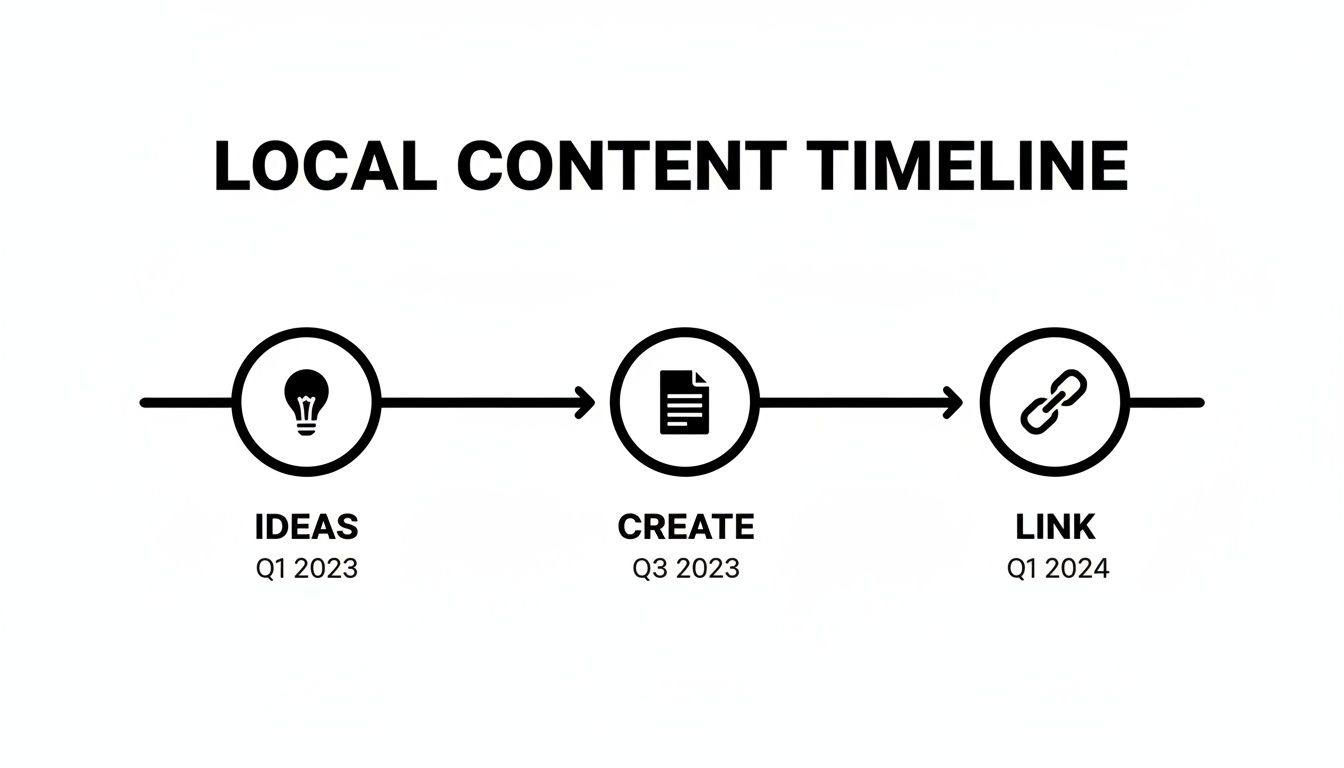
The key is to see content as a cycle. What you create this month becomes the fuel for your outreach and link-building efforts next month.
Month 3: Growth and Outreach
The final month is all about using the assets you've built. With positive reviews coming in and valuable content on your site, it’s time to amplify your presence and solidify your position as a trusted local expert.
"Data reveals Map Pack spots capture most high-intent traffic, with one optimization yielding 110% visibility growth and 150% website clicks. Globally, local SEO's ROI shines: 39% of healthcare conversions are phone-based, and optimized practices see 50%+ call boosts." You can explore more insights on how practices can rank higher on Google Maps on adodemedia.com.
Your actionable checklist for this month:
- Pursue a Local Link: Your goal is to identify and secure one quality local link. Actionable Task: Research local 5k charity runs in Cape Coral or Fort Myers. Contact the event organizer to offer sponsorship in exchange for a link on their race information page.
- Analyze and Adjust: Dive into your Google Business Profile Insights for the past 90 days. Actionable Task: Look at the "Search queries" report. If you see many people finding you via "pediatrician near me," create a new Google Post highlighting your pediatric services to capitalize on that traffic.
Frequently Asked Questions About Medical SEO
When it comes to SEO for your medical practice, a few questions always come up. You're balancing the need to attract new patients with the strict requirements of HIPAA, and it's natural to have some concerns. Let's tackle some of the most common ones we hear from practice managers right here in Southwest Florida.
How Long Does It Take To See SEO Results?
Let's be upfront: real, sustainable SEO isn't an overnight fix. While you can definitely see some quick wins, a full-scale strategy takes time to mature.
- Actionable Timeline:
- Months 1-3: Expect to see initial momentum. You should notice an increase in phone calls from your Google Business Profile and more "directions requests." For example, your GBP Insights might show a 20% jump in calls.
- Months 3-6: This is where you'll start ranking for more competitive, specific terms like "knee specialist in Naples." Your blog posts on local topics will begin appearing on the first page of Google.
- Months 6+: You'll see sustained traffic growth and solidify your position in the Google Map Pack for your most important services.
Can I Do Local SEO Myself, Or Should I Hire An Agency?
Many of the foundational tasks are absolutely manageable in-house. If you have a dedicated practice manager, they can certainly claim and optimize your Google Business Profile, manage your social media presence, and begin asking patients for reviews. Taking these steps alone can make a noticeable difference.
The decision to DIY or hire an agency often comes down to time versus expertise. Basic tasks are manageable, but technical SEO, competitive analysis, and strategic link building require specialized skills to accelerate growth and ensure compliance.
Where it gets tricky is with the more technical side of things. Implementing medical schema, building properly optimized location pages for multiple offices, and running a local link-building campaign demand a specific skill set. Actionable Example: An agency can perform a competitive gap analysis to see exactly which keywords your top competitor in Fort Myers is ranking for that you aren't, then create a content plan to target those gaps—a task that's difficult to do in-house.
Is It A HIPAA Violation To Ask For Reviews?
No, simply asking patients for a review is not a HIPAA violation. The critical part is how you ask and, more importantly, how you respond to the reviews you receive. You are perfectly within your rights to send a general email or text message asking a patient to share their experience online.
A violation happens if you publicly acknowledge that someone is a patient or discuss any detail of their care.
- HIPAA-Compliant Example: A patient leaves a review saying, "Dr. Smith was wonderful during my check-up."
- Safe Response: "Thank you for the kind words! We're so happy you had a positive experience with our team."
- HIPAA-Violation Example: A patient leaves a review saying, "I'm upset about the long wait for my blood test results."
- Unsafe Response: "We apologize for the delay in getting your blood test results back to you." (This confirms they are a patient and confirms a specific service.)
- Safe Response: "We take all feedback seriously. Please contact our office manager directly so we can address your concerns privately."
Ready to turn these insights into more patients for your Southwest Florida practice? The team at Polaris Marketing Solutions specializes in creating customized local SEO strategies that deliver measurable results. Start with a complimentary online analysis to see how you stack up against the competition today.