
Navigating the world of social media can feel overwhelming for a local business owner. Juggling content creation, scheduling posts across multiple platforms, engaging with customers, and tracking results is a full-time job in itself. This is where dedicated social media management tools for small businesses come in. These platforms are not just for large corporations; they are essential for saving time, maintaining a consistent brand presence, and turning followers into customers right here in Southwest Florida.
For a local plumber in Cape Coral, a roofing contractor in Naples, or an attorney in Fort Myers, the right tool can mean the difference between posting sporadically and building a real community that drives measurable business growth. It simplifies the entire process, allowing you to schedule a month's worth of content in a single afternoon instead of scrambling to post daily. For example, instead of manually posting a "Tip of the Day" every morning, you can upload all 30 tips at once and have the tool publish them automatically. This frees you up to focus on what you do best: running your business and serving your customers.
This guide cuts through the noise to help you find the perfect fit. We will break down 12 of the top platforms with a focus on practical applications for local service-based businesses. Each review includes core features, pricing, pros and cons, and real-world setup tips to help you get started quickly. Understanding the array of options out there is crucial for businesses in Fort Myers and beyond; for another perspective, consider exploring other lists of the best social media management tools for small business to gain a wider view of the market. Our goal is to provide a clear, actionable comparison so you can choose a tool that streamlines your workflow and delivers a tangible return on investment.
1. Buffer
Buffer stands out as one of the most intuitive and affordable social media management tools for small businesses, making it a perfect starting point for solo entrepreneurs or small teams. Its clean interface and straightforward functionality remove the complexity often associated with social media scheduling. The platform is built around a core of publishing, basic analytics, and simple engagement tools.
What makes Buffer particularly appealing is its transparent, per-channel pricing model. You can start with a generous free plan that allows up to three channels and then add more for a small fee as your business grows, avoiding costly tiered packages with features you don't need.
Key Features & Use Cases
- Visual Content Calendar: Drag and drop posts to reschedule, giving you a clear overview of your content pipeline. For a roofing company, this means you can easily plan a week's worth of project photos, testimonials, and storm-prep tips. For example, if a storm is suddenly in the forecast, you can drag your "Hurricane Prep Checklist" post to publish tomorrow instead of next week.
- AI Assistant: Generate new post ideas, rewrite copy in different tones, or expand on a simple concept. For instance, you could type "Write a Facebook post about our 10% off AC tune-up special," and the AI will generate three different caption options for you to choose from.
- Simple Engagement Inbox: Manage comments and direct messages from a unified inbox, ensuring you never miss a customer inquiry. A local legal practice can use this to respond promptly to potential client questions across platforms. For example, a comment on an Instagram post asking "Do you handle probate cases?" appears in the same inbox as a Facebook message, allowing for a quick, centralized response.
Local ROI & Setup Tips
For a Fort Myers-based business, Buffer helps maintain a consistent local presence without a significant time investment. Start by connecting your three most important profiles (e.g., Facebook, Instagram, Google Business Profile) on the free plan. Use the browser extension to quickly add interesting local news articles or community event updates to your content queue. For example, if you see an article in the News-Press about a local charity event you're sponsoring, you can click the Buffer extension in your browser to instantly create a post about it.
While Buffer is excellent for streamlining your own efforts, its advanced features are limited. If you find yourself needing in-depth competitor analysis or sophisticated ad campaign management, it might be time to explore how a leading social media marketing agency can scale your strategy.
Website: https://buffer.com
2. Hootsuite
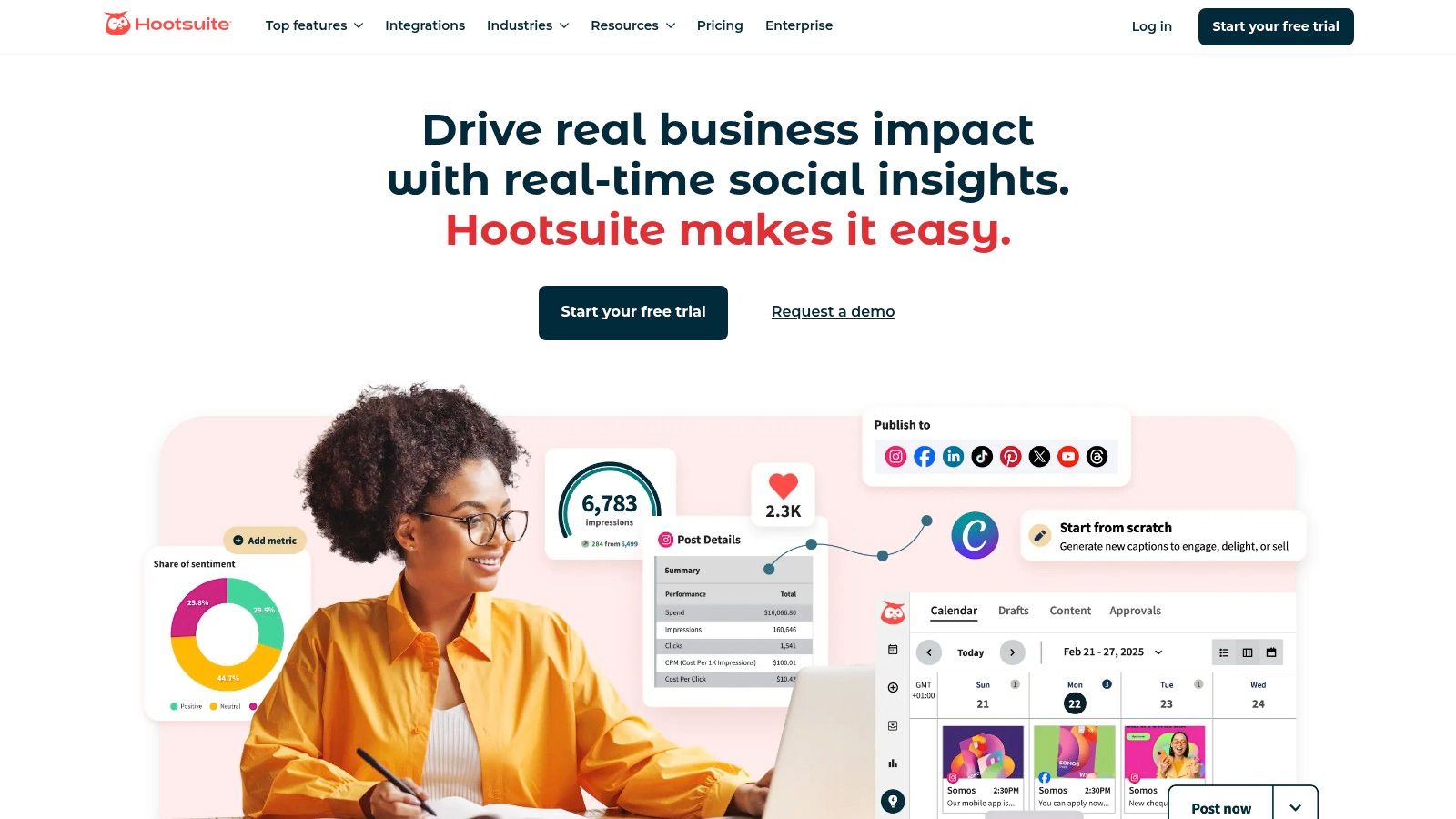
Hootsuite is a comprehensive, all-in-one platform among social media management tools for small businesses that are ready to scale. It moves beyond simple scheduling to offer a full suite of monitoring, listening, and analytics tools, making it ideal for businesses that are serious about growing their social media ROI and managing multiple team members or clients.
Its power lies in its scalability and deep integration capabilities. While the higher price point reflects its enterprise-grade features, the robust functionality allows a growing business to manage everything from content approval workflows to in-depth competitor performance analysis from a single dashboard.
Key Features & Use Cases
- Unlimited Post Scheduling & Best Time to Publish: Plan content far in advance without limits and let Hootsuite automatically post when your audience is most active. An HVAC company can schedule a full season of maintenance reminders and energy-saving tips to post at optimal engagement times. For example, the tool might suggest posting your "Tips to Lower Your Electric Bill" graphic on Tuesday at 7 PM, when local homeowners are most active on Facebook.
- Unified Inbox & Social Listening: Manage comments, mentions, and messages from all connected accounts in one stream. You can also set up streams to monitor keywords like your business name or local competitors. For instance, a Naples-based plumber could set up a stream to monitor the phrase "plumber recommendation Naples" on Twitter and Facebook, allowing them to jump into conversations and offer their services.
- Competitor Benchmarking: Track the performance of up to two competitors to see how your content, follower growth, and engagement rates stack up. This helps you identify content gaps and strategic opportunities. For example, you might notice a competitor’s post about "common roof leak signs" got high engagement, signaling that this is a valuable topic for you to create content about as well.
Local ROI & Setup Tips
For a growing Fort Myers professional practice, Hootsuite provides the tools to not just post content, but to understand its impact. Start with the 30-day trial to connect your primary accounts. Set up a search stream for your brand name and another for "[your service] Fort Myers" to monitor local conversations and find new customer engagement opportunities. For instance, an attorney could monitor "car accident lawyer fort myers" to find people actively seeking legal advice.
Hootsuite's advanced analytics are powerful, but interpreting the data and turning it into a winning strategy requires expertise. If you're finding it difficult to translate the metrics into tangible business growth, a dedicated social media marketing agency can help you leverage these insights effectively.
Website: https://www.hootsuite.com
3. Sprout Social
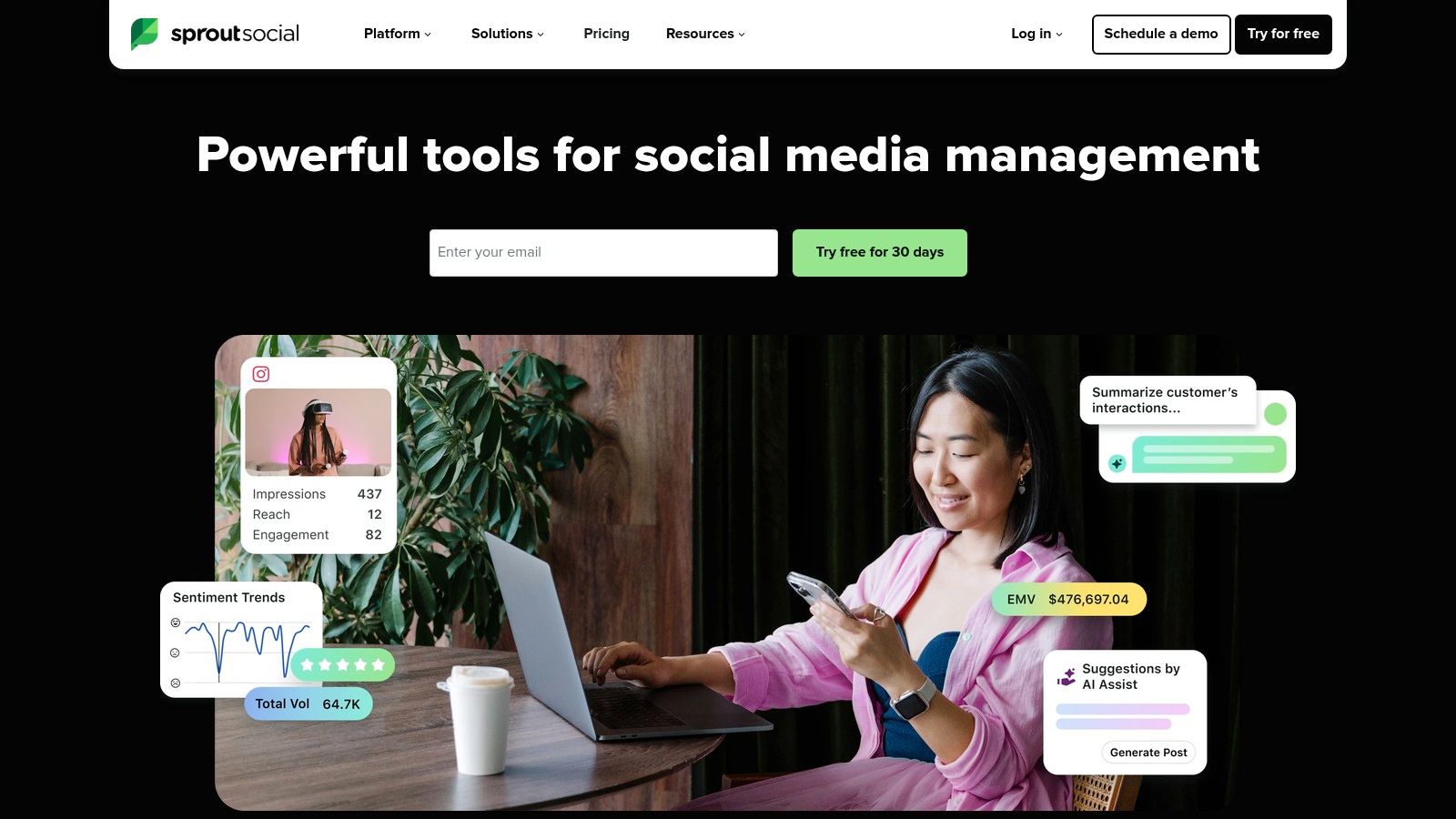
Sprout Social is a premium, data-forward platform and a top choice among social media management tools for small businesses aiming for serious growth. It moves beyond simple scheduling to offer a comprehensive suite of tools for listening, publishing, engagement, and analytics. Its strength lies in turning social data into actionable business intelligence, making it ideal for teams that need to justify ROI.
The platform is designed for collaboration and scale, catering to businesses that manage multiple locations or have distinct marketing and customer service roles. While it comes at a higher price point, its robust feature set provides a level of strategic depth that simpler tools lack.
Key Features & Use Cases
- Smart Inbox & Review Management: Consolidate all messages, mentions, and reviews into one stream with sentiment analysis. A multi-location dental practice can use this to monitor reviews for each office and assign patient feedback to the correct manager for follow-up. For example, a new 3-star Google review for the "Cape Coral" location can be automatically tagged and assigned to the office manager there to respond within 24 hours.
- Advanced Analytics & Reporting: Generate detailed reports on post performance, competitor activity, and paid campaign results. This helps a local HVAC company determine which ad creatives are driving the most leads and where to allocate their marketing budget. For instance, a report could show that video ads featuring customer testimonials have a 50% lower cost-per-lead than static image ads.
- Team Collaboration Workflows: Assign tasks, manage approval queues, and leave internal notes on posts. This ensures brand consistency when multiple team members are creating content. For example, a junior marketer can draft a post, and it will appear in the manager’s queue with a "Needs Approval" tag before it can be scheduled to go live.
Local ROI & Setup Tips
For a Fort Myers business with multiple locations or a dedicated marketing team, Sprout Social provides a centralized command center. Start by using its 30-day trial to set up listening queries for your brand name and local competitors to understand the competitive landscape. Connect your Google Business Profile to manage and respond to reviews directly within the platform. For example, you can create a one-click reply that says, "Thank you for the wonderful review! We appreciate your business," to quickly engage with positive feedback.
The extensive reporting can be overwhelming. If you need help translating this powerful data into a cohesive strategy that drives local leads, partnering with a specialized social media marketing agency ensures you get the maximum return on your investment.
Website: https://sproutsocial.com
4. Later
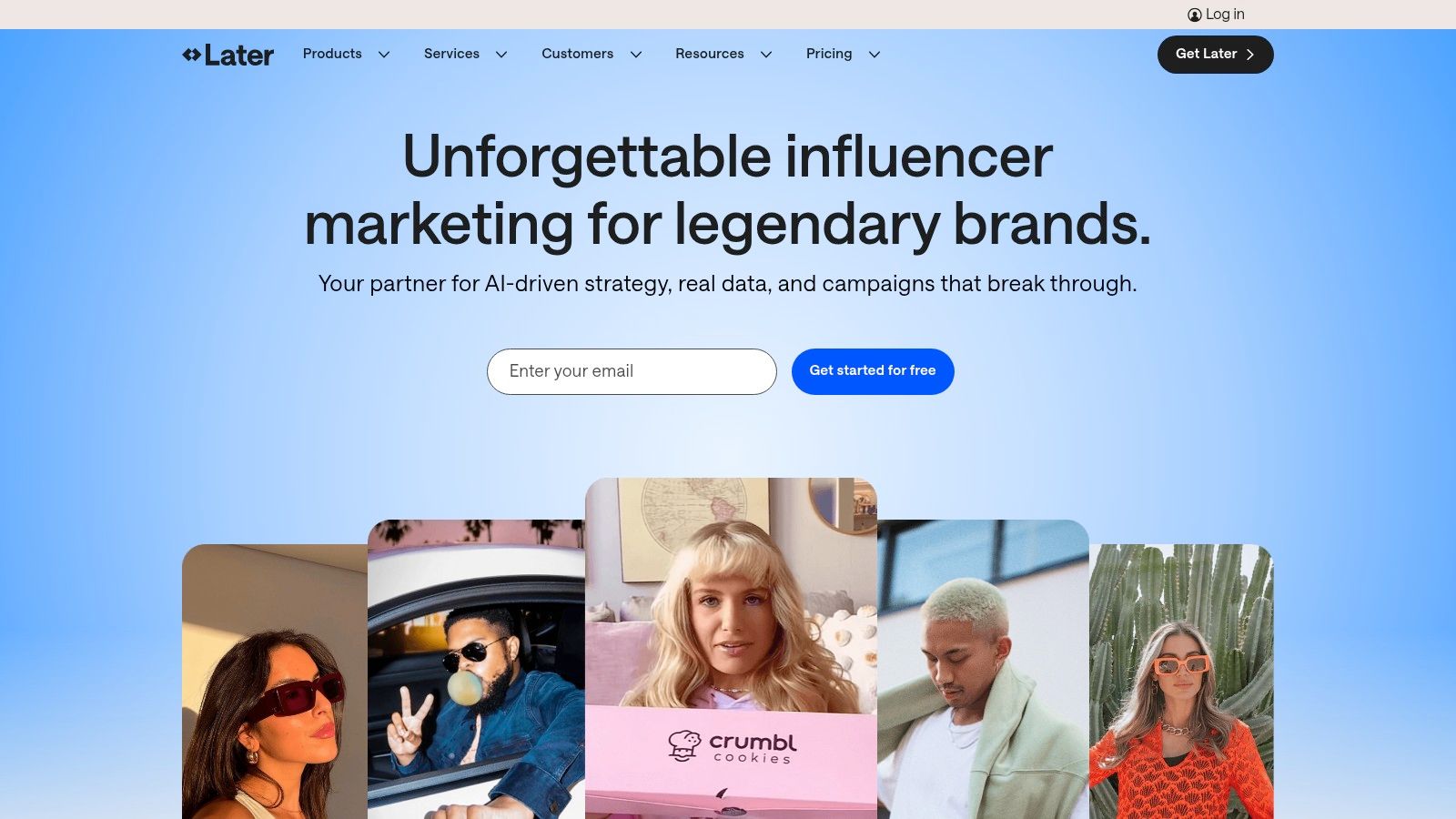
Later began as an Instagram-first scheduler and has evolved into a powerful visual planner for multiple networks, making it one of the best social media management tools for small businesses that rely on aesthetics. Its strength lies in its intuitive, visual-first workflow, where you can see exactly how your grid or feed will look before anything goes live. This is perfect for brands where visual consistency is key.
The platform is designed for creators and visually-driven businesses, offering features like Link-in-bio tools, product tagging, and user-generated content management. It provides excellent value, especially for solo operators or small teams who need a robust visual scheduler without an enterprise-level price tag.
Key Features & Use Cases
- Visual Planner & Calendar: Drag and drop photos and videos to plan your Instagram feed's aesthetic in advance. A Fort Myers-based interior designer can use this to ensure their project photos flow together cohesively, creating a professional and appealing profile grid. For example, they can alternate between close-up shots of design details and wide shots of finished rooms to create a visually dynamic grid.
- Link-in-Bio Tool: Create a customizable, clickable landing page for your social media bios, driving traffic to your website, blog posts, or product pages without constantly changing your main profile link. For instance, a restaurant can have buttons on their Link-in-Bio page for "View Menu," "Make a Reservation," and "Order Online."
- AI Content Generation: Use AI credits to generate caption ideas, find relevant hashtags, or repurpose content for different platforms, saving valuable time on content creation. For example, after writing an Instagram caption, you can click a button to have the AI suggest 10 relevant local hashtags like
#FortMyersLivingand#SWFLEats.
Local ROI & Setup Tips
For a local SWFL business like a boutique clothing store or a high-end restaurant, Later is ideal for maintaining a polished, high-quality visual presence. Start with the 14-day free trial to connect your Instagram, Facebook, and TikTok accounts. Use the Visual Planner to schedule a month's worth of content, focusing on high-quality images of your products, location, and happy customers to attract local clientele. A practical action is to plan your posts in a checkerboard pattern: alternating between product shots and lifestyle photos.
While Later excels at visual planning and scheduling, its analytics and team collaboration features are more limited on lower-tier plans. If your strategy requires deep performance data or complex approval workflows, you may need a more comprehensive solution or the support of a professional social media management team to maximize results.
Website: https://later.com
5. SocialPilot
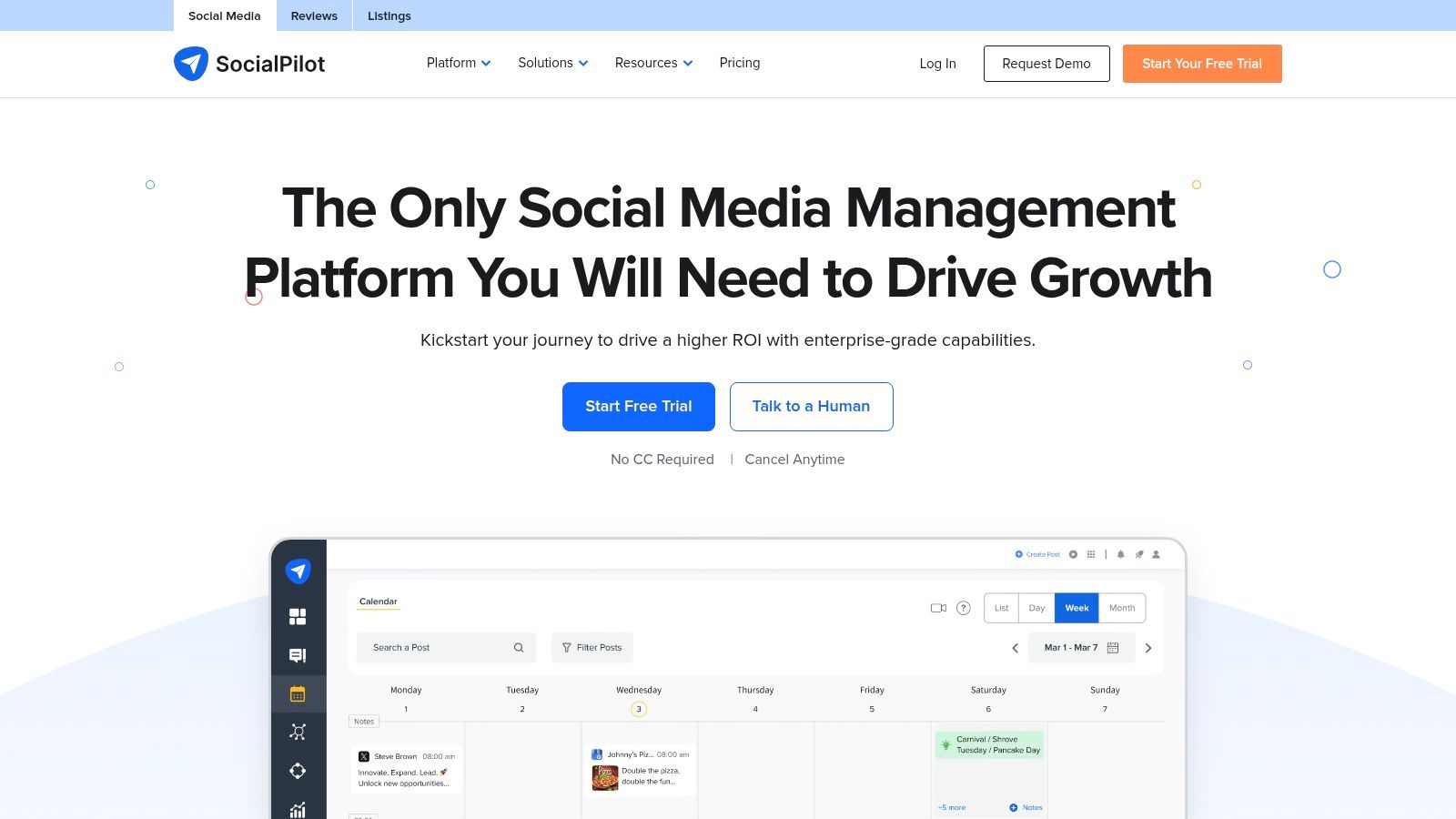
SocialPilot is engineered for growing teams and agencies, offering one of the best value propositions among social media management tools for small businesses. It packs powerful features like bulk scheduling and client management into affordable, predictable packages. This makes it ideal for businesses that are scaling up their marketing efforts or managing multiple brands without wanting a massive price jump.
The platform provides generous limits on the number of social accounts and users per plan, which is a significant advantage over competitors that charge per channel. Its straightforward interface ensures that even as you add team members or clients, the workflow remains manageable and efficient.
Key Features & Use Cases
- Bulk Scheduling: Upload up to 500 posts at once using a simple CSV file. A Fort Myers HVAC company can use this to schedule an entire month of "Tip Tuesday" posts and promotional offers in a single afternoon. For example, you can create a spreadsheet with columns for 'Date,' 'Text,' and 'Image URL,' fill it with 30 days of content, and upload it in one go.
- Client Management Workflows: Provide secure, white-label access for clients to review and approve content before it goes live. This is perfect for a local marketing team managing social media for several home service businesses. For instance, you can send a secure link to a roofing client where they can see all scheduled posts for the week and either click "Approve" or "Reject" with comments.
- Unified Social Inbox: Manage comments, messages, and mentions from all connected profiles in one place to ensure timely customer service and engagement. This means a question about a discount sent via Facebook Messenger and a comment on an Instagram ad both appear in the same feed, ready for you to answer.
Local ROI & Setup Tips
For a growing Southwest Florida business, SocialPilot is a cost-effective way to empower a small marketing team. Start with their 14-day free trial (no credit card required) to connect all your profiles and test the client approval workflow. Use the content curation feature to find relevant local news and industry articles, then schedule them out to keep your feed active and engaging. For example, you can search for "new construction projects in Naples, FL" and schedule articles to share with your own commentary.
SocialPilot is a robust tool for execution and management. However, if your team needs high-level strategic guidance on content pillars or advanced audience targeting, partnering with a specialized social media marketing agency can help you maximize the tool’s potential and drive measurable business results.
Website: https://www.socialpilot.co
6. Sendible
Sendible is designed for collaboration, making it one of the best social media management tools for small businesses that are scaling up, such as small agencies or companies with an in-house marketing coordinator. The platform excels at managing multiple client or brand profiles with features like client dashboards, approval workflows, and robust reporting that justify marketing efforts.
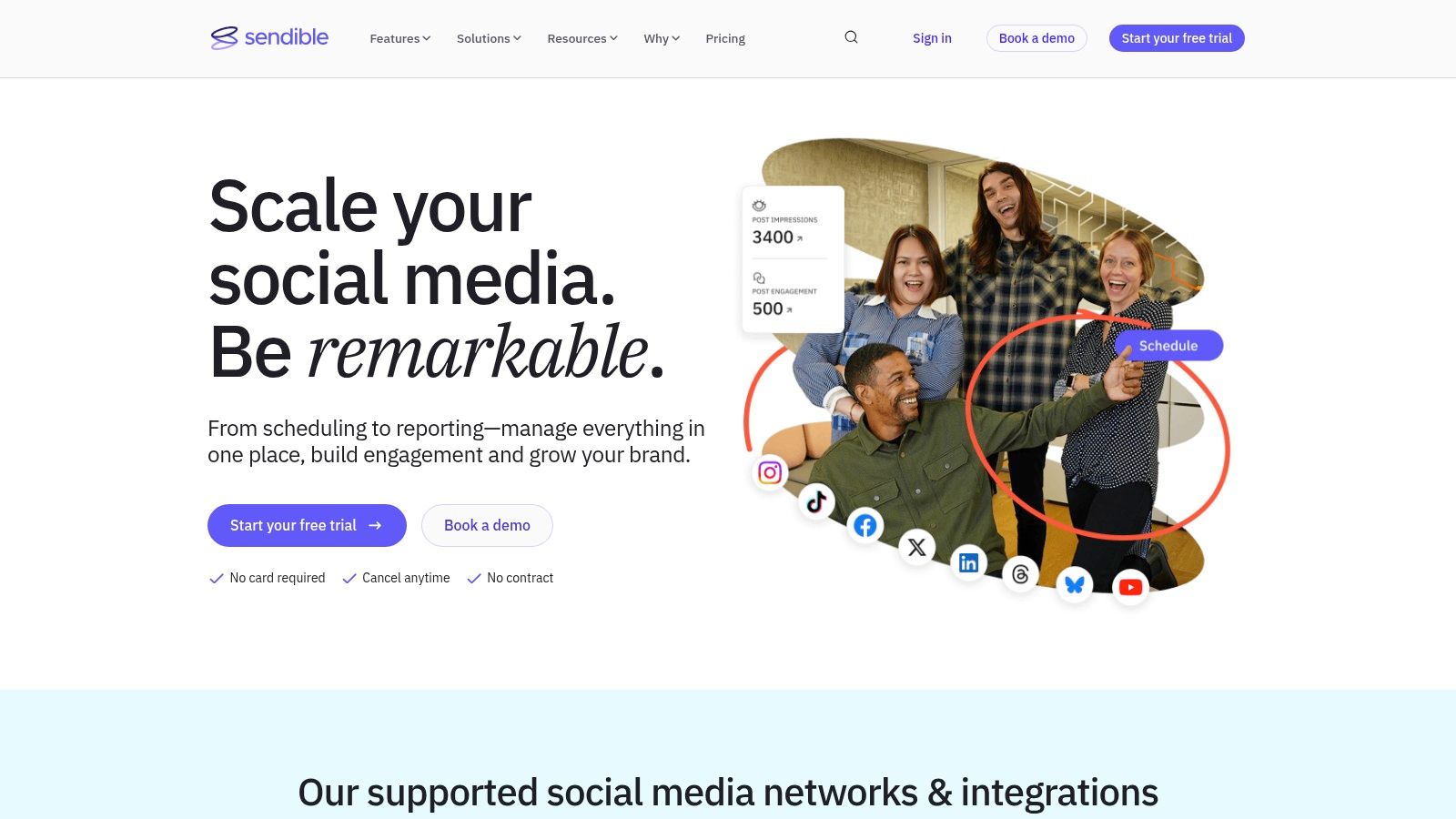
What sets Sendible apart is its agency-focused toolkit without the enterprise price tag. It offers features like white-label reports and unlimited scheduling, which are critical for managing several brands efficiently. Its straightforward onboarding and 14-day free trial make it easy to test its capabilities before committing.
Key Features & Use Cases
- Client Dashboards & Approval Workflows: Create secure, branded portals for clients to review and approve content before it goes live. A Fort Myers marketing agency could use this to streamline approvals for a local HVAC client, preventing miscommunication and errors. For example, the HVAC business owner gets an email notification, clicks a link, sees a preview of the week's posts, and can type "Looks good, approve all" in a comment box.
- Canva Integration: Design graphics directly within the Sendible composer using Canva. This saves significant time by eliminating the need to switch between tabs to create and schedule visual content. For instance, you can write your post caption and then click "Design on Canva" to create a matching graphic for it without leaving the Sendible window.
- Bulk Scheduling & Content Queues: Upload hundreds of posts at once via a CSV file or create categorized queues that automatically publish content at set times. A local law firm can use this to schedule a month’s worth of evergreen legal tips in a single afternoon. For example, they can create a "Legal Tips" queue that automatically posts one tip every Tuesday at 10 AM, pulling from a pre-approved list of content.
Local ROI & Setup Tips
For a growing Southwest Florida business managing multiple locations or services, Sendible consolidates brand management into one place. Start with the free trial to connect your primary accounts and test the client approval workflow, even if it's just with your business partner, to see how it streamlines your process. A great first step is to use the Canva integration to create five branded templates for different types of posts (e.g., testimonials, special offers, tips).
While Sendible empowers small teams to manage social media like a larger agency, understanding the strategy behind the content is still crucial. To fully leverage these tools and see tangible results, it's vital to grasp the impact of digital marketing on small business growth and align your posts with clear business objectives.
Website: https://www.sendible.com
7. Agorapulse
Agorapulse positions itself as a powerhouse among social media management tools for small businesses, especially for those prioritizing engagement and detailed reporting. It offers a robust, all-in-one suite that excels at managing conversations across multiple platforms, including Google Business Profile, making it ideal for service-based companies focused on reputation management.
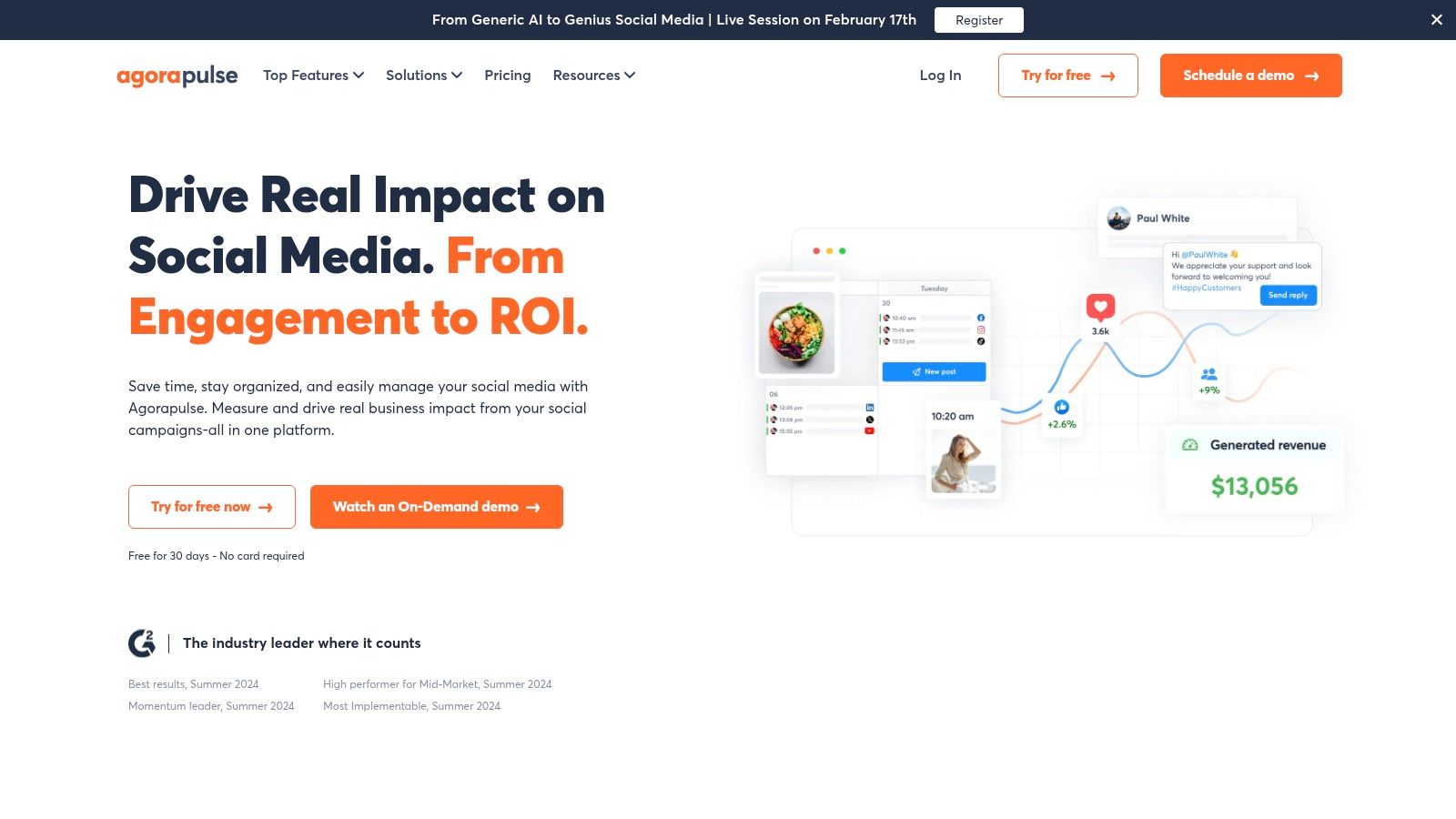
The platform is built for efficiency, with one of the most powerful social inboxes on the market that includes moderation for ad comments. Its clear, per-user pricing model and a generous 30-day free trial make it accessible, although costs can increase as your team grows.
Key Features & Use Cases
- Unified Social Inbox: Manage comments, messages, and ad comments from one place with advanced filtering and moderation rules. An HVAC company can use this to quickly address service inquiries from Facebook ads and organic posts without missing a single message. For instance, you can set up a rule that automatically assigns any comment containing the word "quote" or "cost" to your sales manager for immediate follow-up.
- Advanced Reporting: Generate professional, white-label reports that connect social media efforts to website traffic via a Google Analytics connector. This helps demonstrate clear ROI from your social media activities. For example, you can generate a report that shows your Facebook campaign last month led to 50 clicks to your "Book a Consultation" page.
- Team Workflows: Assign tasks, review posts before publishing, and leave internal notes to streamline collaboration between team members. This ensures brand consistency even with multiple people managing accounts. For instance, if a customer asks a technical question in a comment, you can assign it to an experienced technician on your team to answer correctly.
Local ROI & Setup Tips
For a growing Fort Myers professional practice, Agorapulse provides the tools to manage a high volume of client interactions and prove social media's value. Connect your key profiles and activate the ad comments monitoring feature immediately to protect your brand reputation on paid campaigns. Utilize the inbox's saved replies to answer common questions about services or hours instantly. For example, you can create a saved reply for "What are your hours?" that you can insert with a single click.
While Agorapulse’s suite is comprehensive for organic management and reporting, scaling complex, multi-platform ad strategies may require specialized expertise. If your goal is to maximize lead generation through paid social, partnering with a leading social media marketing agency can help optimize your ad spend for superior results.
Website: https://www.agorapulse.com
8. Zoho Social
For small businesses already invested in the Zoho ecosystem, Zoho Social is a natural and powerful extension. It integrates seamlessly with other Zoho apps like CRM and Desk, making it one of the most cohesive social media management tools for small businesses that value a unified software suite. Beyond its integration capabilities, it offers robust scheduling, monitoring, and collaboration features.
What sets Zoho Social apart is its comprehensive nature within a single ecosystem. If you use Zoho CRM to manage customer relationships, you can enrich those profiles with social media interactions, providing your sales team with invaluable context. The platform also offers a generous free plan and a 15-day trial, allowing businesses to test its full potential.
Key Features & Use Cases
- SmartQ Predictions: The platform analyzes when your audience is most active and suggests the best times to post for maximum engagement. An HVAC company can use this to schedule posts about energy-saving tips right when Fort Myers homeowners are most likely to see them. For example, the tool might highlight Wednesday at 8 PM as a prime slot, allowing you to schedule your post with one click.
- Comprehensive Monitoring Dashboard: Create listening columns to track keywords, brand mentions, and reviews. A local paving contractor can monitor mentions of "driveway repair Fort Myers" to find new leads in real-time. For instance, if someone posts "Can anyone recommend a good company for driveway repair in Fort Myers?" that post will appear in your monitoring column, allowing you to respond immediately.
- Zoho CRM Integration: Connect social media leads directly to your CRM pipeline. When a potential client inquires about services on Facebook, you can convert that conversation into a CRM lead with a single click, streamlining your sales process. This action would create a new contact in your CRM with their name and a note about their inquiry from Facebook.
Local ROI & Setup Tips
A Fort Myers professional practice can leverage Zoho Social to create a closed-loop marketing and sales system. Start by connecting your primary social channels and Zoho CRM. Set up monitoring columns for your brand name and local service keywords. A great first action is to create a monitoring column for each of your top three local competitors to see what their customers are saying online. While the interface is clean, be aware that exact US pricing can sometimes be vague on the public site and is best confirmed once you are logged into the platform.
If your primary need is deep integration with a business suite, Zoho is unmatched. However, if you require a standalone tool with a laser focus on advanced content creation or influencer analytics, you may want to consider how a specialized social media marketing agency could fill those specific gaps.
Website: https://www.zoho.com/social
9. HubSpot (Marketing Hub Social Tools)
For businesses that see social media as an integrated part of their sales and marketing engine, HubSpot’s social tools are a powerful contender. Rather than being a standalone platform, its social features are built directly into the celebrated HubSpot CRM. This makes it one of the best social media management tools for small businesses looking to connect social activity directly to leads, contacts, and revenue.
What makes HubSpot unique is its ability to track a social media interaction all the way through the customer journey. When someone engages with your post, you can see that activity on their contact record in the CRM, creating a single, unified view of every marketing touchpoint. While more expensive than dedicated social tools, the investment pays off for teams prioritizing lead attribution and marketing automation.
Key Features & Use Cases
- Integrated Social Publishing: Schedule and publish posts to major networks from the same place you manage your email campaigns and blog. For a local HVAC company, this means a new blog post about AC maintenance can be promoted across all social channels in a single workflow. For example, after publishing the blog post, a side panel appears allowing you to draft and schedule posts for Facebook and LinkedIn linking to the new article.
- CRM-Based Social Monitoring: Track mentions and keywords, and see social interactions appear directly on a contact's timeline. A Fort Myers law firm can monitor for relevant local discussions and engage directly, with every interaction logged in their CRM. For instance, if a known contact in your CRM mentions your firm on Twitter, that tweet is automatically added to their contact record.
- Closed-Loop Reporting: Connect social campaigns to actual leads, customers, and revenue generated. This provides clear ROI data, showing exactly how many deals originated from a specific Facebook ad or LinkedIn post. For example, you can build a dashboard that shows your "Summer AC Special" Facebook campaign generated 15 new customers and $10,000 in revenue.
Local ROI & Setup Tips
A Southwest Florida business can use HubSpot to turn social media into a measurable lead-generation channel. Start by connecting your primary social accounts and setting up keyword monitoring streams for your business name and local service terms. This ensures you never miss a local conversation or potential lead. A great first action is to create a social media campaign within HubSpot for your current promotion (e.g., "Fall Roof Inspection") to tag all related posts and track their collective performance.
HubSpot is a comprehensive platform, and its full potential is unlocked when used as part of a cohesive inbound strategy. If you’re just starting to build your online presence, it might be overwhelming. Exploring foundational digital marketing strategies for small businesses first can help you build the framework necessary to get the most out of an all-in-one platform.
Website: https://hubspot.com/products/marketing/social
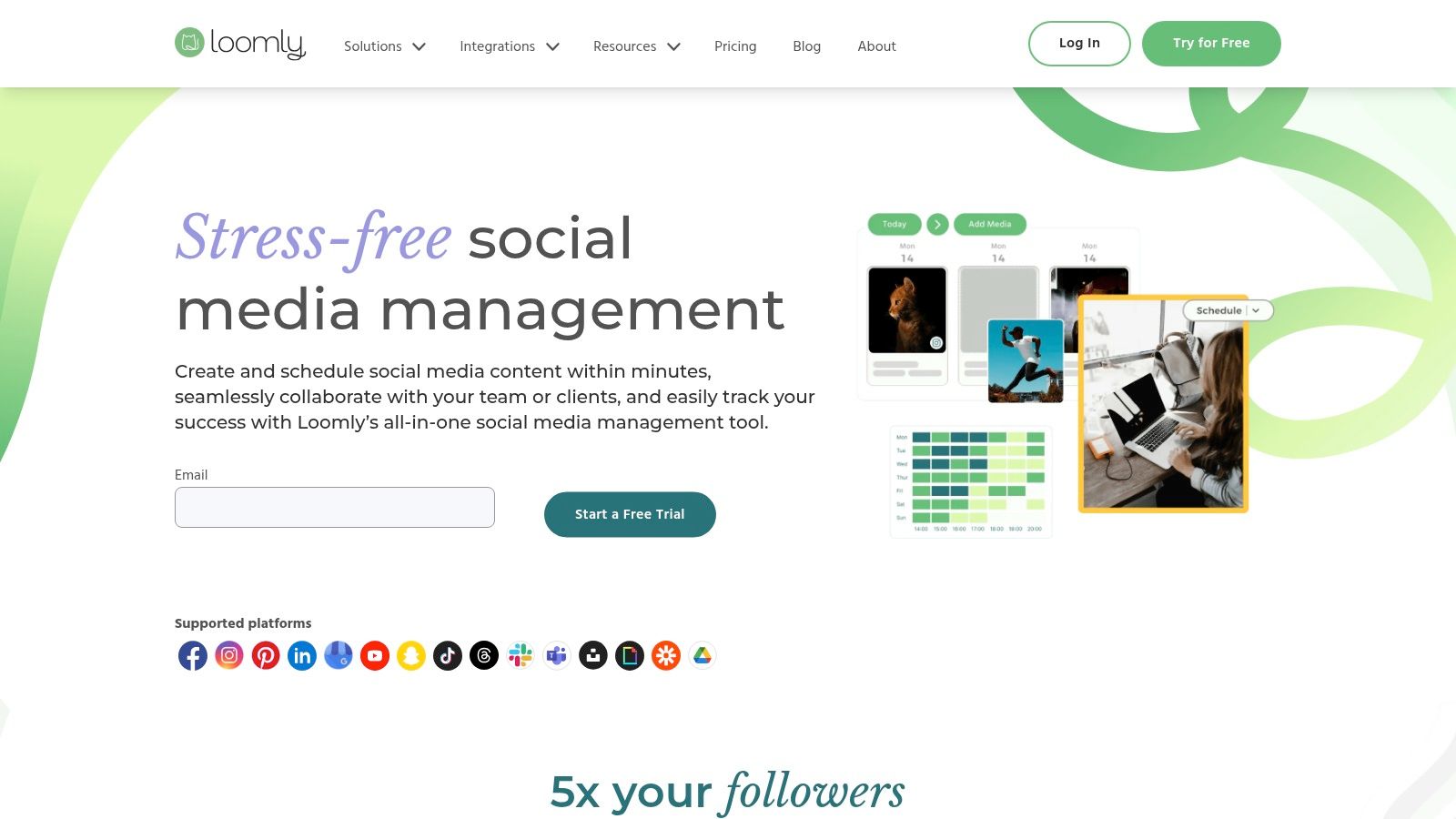
10. Loomly
Loomly is a powerful, calendar-centric platform designed for teams that prioritize content planning and approval workflows. It distinguishes itself as one of the best social media management tools for small businesses that require structure, collaboration, and a clear content creation pipeline. Instead of just scheduling, Loomly guides you from post idea to final approval and publication.
The platform is especially beneficial for businesses with multiple stakeholders, like a marketing coordinator and a business owner, who need to review content before it goes live. Its clean, visual interface and step-by-step post creation process reduce errors and ensure brand consistency across all channels.
Key Features & Use Cases
- Structured Approval Workflows: Assign posts to team members for review, edits, or final approval before scheduling. A home services contractor can have their office manager draft posts about a recent roofing project, which are then automatically sent to the owner for a quick review on their phone. For example, the owner receives a notification, views the post mockup, and can either click "Approve" or leave a comment like, "Change the photo to the one from the Miller job."
- Post Ideas & Inspiration: Loomly provides post ideas based on trending topics, holidays, and social media best practices, helping you overcome creative blocks. For instance, the platform might suggest, "It's National Dog Day! Share a photo of your office pet or a client's furry friend."
- Post and Ad Mockups: Preview exactly how your posts and ads will look on each platform before they are published, preventing formatting surprises. This allows you to see if your text will be cut off on Instagram or if your image looks right in a Facebook feed before it ever goes public.
- Advanced Analytics: Track post-performance, account growth, and audience engagement with clear, easy-to-understand reports. You can quickly see which posts from the last month received the most comments, helping you decide what kind of content to create next.
Local ROI & Setup Tips
For a Fort Myers-based professional practice, like a law firm, Loomly’s approval system is invaluable for maintaining compliance and a professional tone. Set up a simple workflow: a paralegal drafts a post about a local legal update, and it automatically pings the managing partner for approval. This ensures all content is accurate and brand-aligned without creating bottlenecks. A great first step is to use the "Post Ideas" feature to plan content around upcoming local holidays or events in Southwest Florida.
While Loomly excels at team collaboration and content planning, it's not a dedicated ad management tool. For sophisticated paid campaigns that require A/B testing and audience optimization, you'll achieve better results by partnering with a local social media marketing agency that can manage both your organic and paid strategies.
Website: https://www.loomly.com
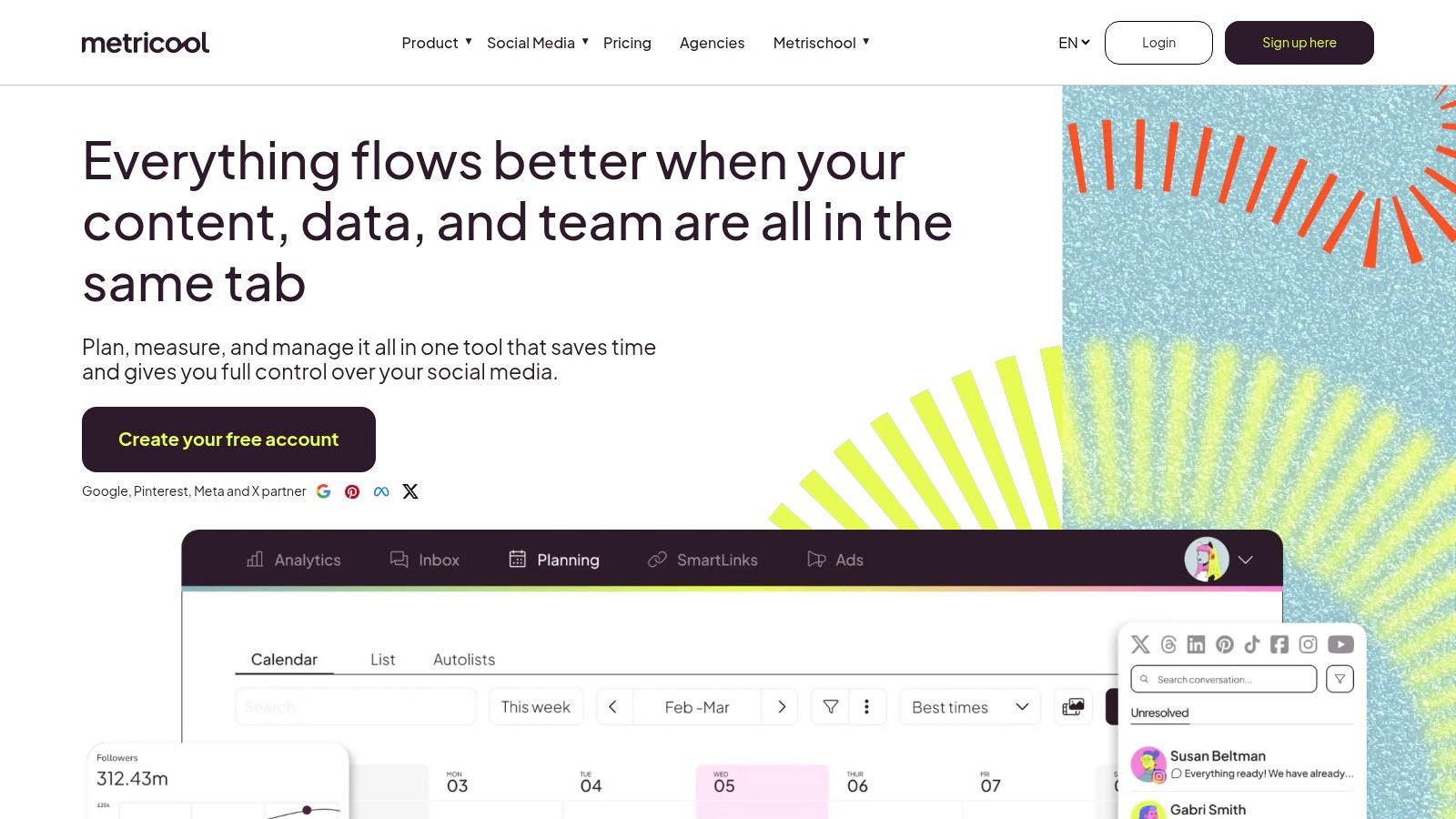
11. Metricool
Metricool is a powerful analytics and scheduling platform that goes beyond basic publishing, making it one of the more data-driven social media management tools for small businesses. It excels at providing competitive analysis and comprehensive reporting, allowing you to see how your performance stacks up against similar accounts. This focus on data makes it ideal for businesses ready to refine their strategy based on hard numbers, not just intuition.
What truly sets Metricool apart is its scalable, brand-based pricing and robust integrations. Starting with a generous free plan for a single brand, it allows you to manage multiple client accounts or business locations affordably as you grow. Its ability to connect with tools like Looker Studio (formerly Google Data Studio) positions it as a central hub for your marketing data.
Key Features & Use Cases
- Competitor Analysis: Track key metrics of your competitors on platforms like Instagram and Facebook. A Fort Myers paving company can use this to see what types of "before and after" content their local rivals are posting and which posts get the most engagement. For example, the data might show that a competitor's video walkthroughs of completed driveways get twice as many likes as simple photo posts.
- Customizable PDF/PPT Reports: Automatically generate professional, white-labeled reports to track progress or share with stakeholders. This is perfect for showing marketing ROI without spending hours building presentations. For instance, you can set it up to automatically email you a PDF report every Monday morning summarizing last week's follower growth and top-performing posts.
- Best Time to Post Heatmaps: Metricool analyzes your specific audience's activity to tell you the optimal times to publish content on each network, maximizing your reach and engagement. The heatmap might show a bright color for Instagram on Thursdays at 6 PM, indicating that's a perfect time to post a new project photo.
Local ROI & Setup Tips
For a Southwest Florida business, Metricool helps you understand the local digital landscape. Start with the free plan to connect your primary brand and analyze up to five competitors. Use the "SmartLinks" feature (their version of a link-in-bio tool) to create a mobile-friendly landing page that directs your local audience to your booking page, service list, or latest blog post. For example, add buttons to your SmartLinks page for "Get a Free Estimate" and "See Our Project Gallery."
While Metricool offers impressive analytics, turning that data into a cohesive, lead-generating strategy requires expertise. If you find yourself with powerful reports but are unsure of the next steps, partnering with a leading social media marketing agency can help translate those insights into tangible business growth.
Website: https://metricool.com
12. Publer
Publer is a powerhouse among social media management tools for small businesses, especially for those prioritizing local search visibility. It offers a unique and highly flexible "pay-for-what-you-use" pricing model, making it incredibly wallet-friendly for businesses that need to connect a specific number of accounts without paying for bundled features they won't use. Its standout feature is its robust support for Google Business Profile (GBP), going beyond what many competitors offer.
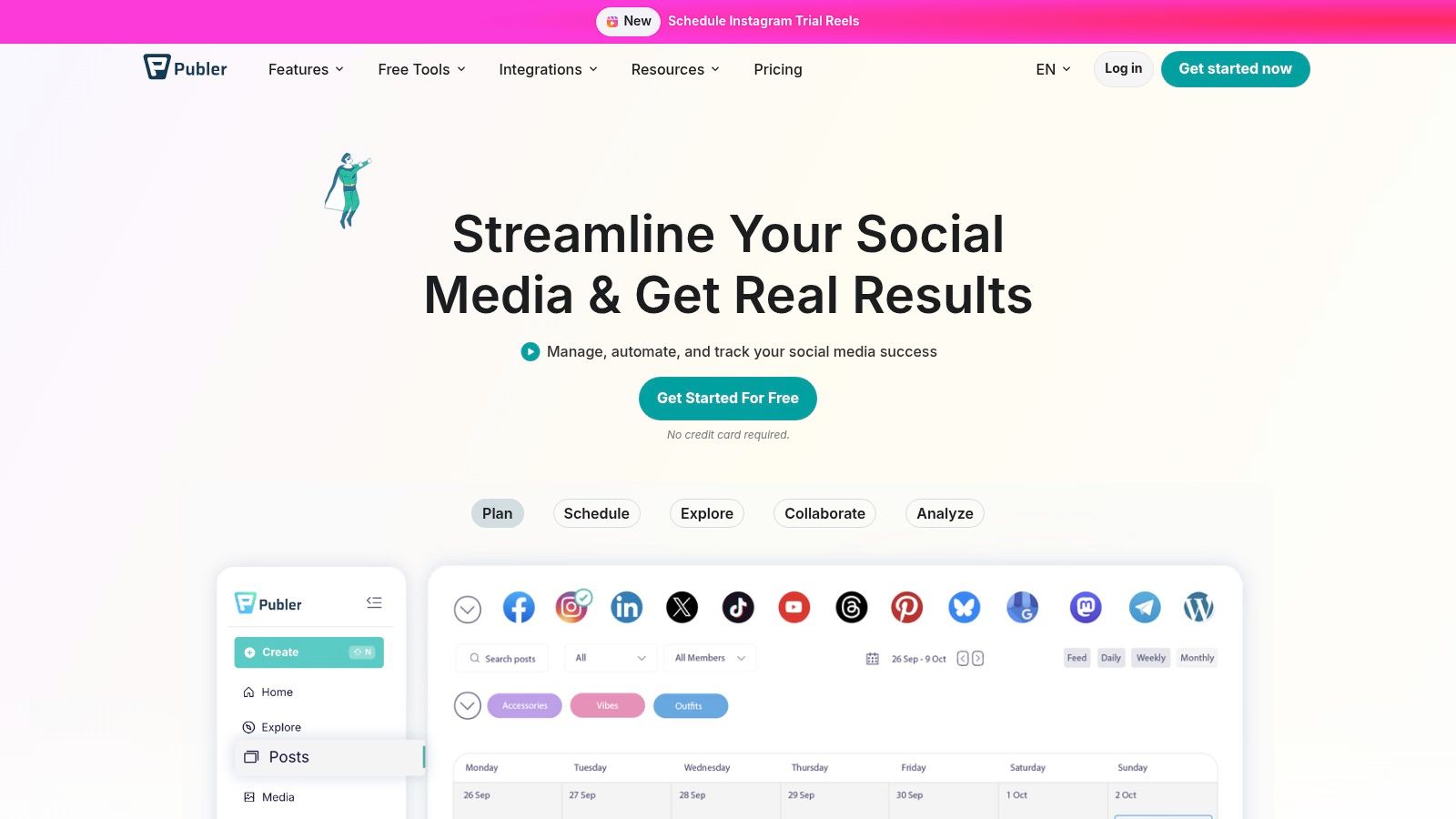
The platform is built for efficiency, offering unlimited workspaces even on its free plan, which is a major benefit for managing different business locations or client accounts. This granular control combined with its wide platform support (including newer networks like Threads and Bluesky) makes it a versatile and forward-thinking choice.
Key Features & Use Cases
- Advanced Google Business Profile Scheduling: Schedule GBP "Offers," "Events," and regular "What's New" posts with photos and calls-to-action. A Cape Coral paving contractor can use this to schedule weekly posts showcasing completed driveway projects, directly impacting their local search ranking and lead generation. For example, they can schedule an "Offer" post for "15% off driveway sealing, valid through October," complete with a coupon code and link to their website.
- Flexible Per-Account Pricing: Start with a free plan for 3 accounts and add more for a small fee, only paying for the exact number of profiles you need. This is ideal for a growing business that wants to add a TikTok or YouTube channel without upgrading to an expensive new tier. For instance, adding just one more account might cost only $2/month.
- Bulk Scheduling & Content Recycling: Upload hundreds of posts at once via a CSV file and set them to recycle evergreen content automatically. This is perfect for an HVAC company wanting to re-share seasonal maintenance tips without manual effort. For example, you can create a collection of 10 hurricane-prep tips and set them to post once a month automatically during hurricane season.
Local ROI & Setup Tips
For a Southwest Florida business, Publer’s deep GBP integration is a direct line to improving local SEO. Start with the free plan to connect your GBP, Facebook Page, and Instagram profile. Dedicate time to creating a backlog of GBP posts showcasing your work, services, and five-star reviews, then use the bulk scheduler to queue them up for the entire quarter. An actionable first step is to schedule five "What's New" posts, each highlighting a different 5-star customer review. This maintains a fresh and active profile, signaling relevance to Google.
While Publer is fantastic for streamlined multi-platform posting, its built-in analytics on lower tiers are basic. When you need to dive deep into performance data and run sophisticated, cross-platform campaigns, it may be time to consult a professional social media management team that can translate analytics into a winning strategy.
Website: https://publer.io
Comparison: 12 Small-Business Social Media Tools
| Tool | Core features ✨ | Target audience 👥 | Price / Value 💰 | UX Quality ★ | Standout / USP 🏆 |
|---|---|---|---|---|---|
| Buffer | Visual calendar, unlimited scheduling (paid), AI captions, hashtag manager | Small teams / solo operators | 💰 Free tier + per-channel pricing, affordable | ★★★★ | 🏆 Simple, fast workflow + deep integrations |
| Hootsuite | Unlimited scheduling, listening, analytics, 100+ integrations | Scaling teams → enterprise | 💰 Higher start price; scalable | ★★★★ | 🏆 Feature-rich ecosystem & enterprise apps |
| Sprout Social | Smart Inbox, advanced analytics, review monitoring, AI writing | Agencies & multi-location brands | 💰 Premium pricing, higher TCO | ★★★★★ | 🏆 Best-in-class reporting & collaboration |
| Later | Visual planner, auto-publish (IG/TikTok), Link-in-bio, product tagging | Creators & visual teams | 💰 Good IG/TikTok value; trials/discounts | ★★★★ | 🏆 Visual-first scheduler for creators |
| SocialPilot | Bulk scheduling, analytics, unified inbox, client workflows | SMBs & small agencies | 💰 Strong value per profile/user | ★★★★ | 🏆 Predictable pricing + white-label reports |
| Sendible | Unlimited scheduling, client dashboards, approvals, Canva | Small agencies & in-house teams | 💰 Agency-focused pricing; trials | ★★★★ | 🏆 Client dashboards & onboarding ease |
| Agorapulse | Social Inbox, unlimited posts, team workflows, GA connector | Teams needing inbox + reporting | 💰 Mid-range; per-user costs | ★★★★ | 🏆 Excellent inbox + cross-channel reporting |
| Zoho Social | Scheduling, monitoring, GBP support, Zoho integrations | Zoho users & small businesses | 💰 Flexible billing; free tier available | ★★★ | 🏆 Integrates tightly with Zoho suite |
| HubSpot (Social) | Publish + monitor, CRM-linked tracking, automation & ads | Teams wanting CRM-driven social | 💰 Costs scale with seats & contacts | ★★★★ | 🏆 Social activity tied directly to CRM |
| Loomly | Calendar-centric, approvals/roles, best-time suggestions, analytics | Content-heavy teams & agencies | 💰 Competitive with annual discounts | ★★★★ | 🏆 Clean collaboration & approval workflows |
| Metricool | Unlimited scheduling (fair-use), competitive analytics, exports | Multi-brand managers & agencies | 💰 Scalable by brands; free plan | ★★★ | 🏆 Affordable analytics + Looker connector |
| Publer | Visual calendar, GBP posts support, unlimited workspaces, AI | Local businesses & GBP-focused teams | 💰 Pay-per-account model; budget-friendly | ★★★ | 🏆 Strong Google Business Profile support |
Making the Final Choice: DIY Tool vs. Partnering with an Agency
Navigating the landscape of social media management tools for small businesses can feel overwhelming, but making an informed choice is a powerful step toward reclaiming your time and amplifying your local impact. We've explored a dozen powerful platforms, from the straightforward scheduling of Buffer and Later to the comprehensive, all-in-one analytics and engagement suites of Sprout Social and Agorapulse. The key takeaway is that the "best" tool doesn't exist in a vacuum; it exists in the context of your specific business needs, budget, and, most importantly, your available time.
Your decision ultimately hinges on a critical question: Are you just buying software, or are you investing in a strategy? A tool is an enabler, not a magic wand. It can schedule posts, track mentions, and generate reports, but it cannot create a compelling content strategy, design on-brand graphics, or interpret performance data to make informed decisions that drive leads for your Fort Myers roofing company or Naples dental practice.
The Inflection Point: When a Tool Isn't Enough
The DIY approach can be highly effective if you, or a dedicated team member, possess the "three T's":
- Time: The hours required not only to learn the platform but to consistently plan, create, schedule, engage, and analyze content. This is often 5-10 hours per week, at a minimum.
- Talent: A knack for writing engaging copy, an eye for design, and an understanding of what resonates with your local Southwest Florida audience.
- Tenacity: The discipline to stick with it, even when results aren't immediate, and the analytical mindset to dig into the data and pivot your strategy when something isn't working.
For many small business owners, this is where the equation breaks down. Your expertise lies in installing an HVAC system, providing legal counsel, or managing a busy cleaning service, not in split-testing social media ad copy. The moment you find yourself spending more time wrestling with a content calendar than serving your clients, you've reached the inflection point. This is when a tool ceases to be a solution and becomes another task on an already overflowing plate.
The Strategic Advantage of a Local Agency Partnership
Partnering with a specialized agency like Polaris Marketing Solutions is not about abandoning these powerful tools; it's about maximizing their potential. An agency brings the strategic layer that software alone cannot provide. We don't just use these platforms; we integrate them into a cohesive marketing system designed to achieve your specific business goals, like generating local leads or building community trust.
Agencies are deeply familiar with the nuances of these platforms, often utilizing enterprise-level features to get more out of them. In fact, if you want a benchmark for the capabilities a professional partner should bring, it's helpful to see the top social media management tools for agencies that industry leaders rely on. This expertise translates directly into a higher return on your investment. Instead of you spending hours learning Zoho Social, we're already using it to track competitor performance and identify content opportunities for your business.
Ultimately, choosing between a DIY tool and an agency is a strategic business decision. One is a capital expense for software; the other is an operational investment in expertise, strategy, and execution. By offloading the complex, time-consuming work of social media management, you free yourself to do what you do best: running and growing the successful business you've worked so hard to build.
If you've reached that inflection point and are ready to transform your social media from a time-consuming task into a predictable lead-generation engine, Polaris Marketing Solutions is here to help. We combine local Southwest Florida market expertise with a mastery of these tools to drive real business results. Schedule a free consultation with us today to see how a strategic partnership can help you achieve your goals.